

About AWR Timor Leste
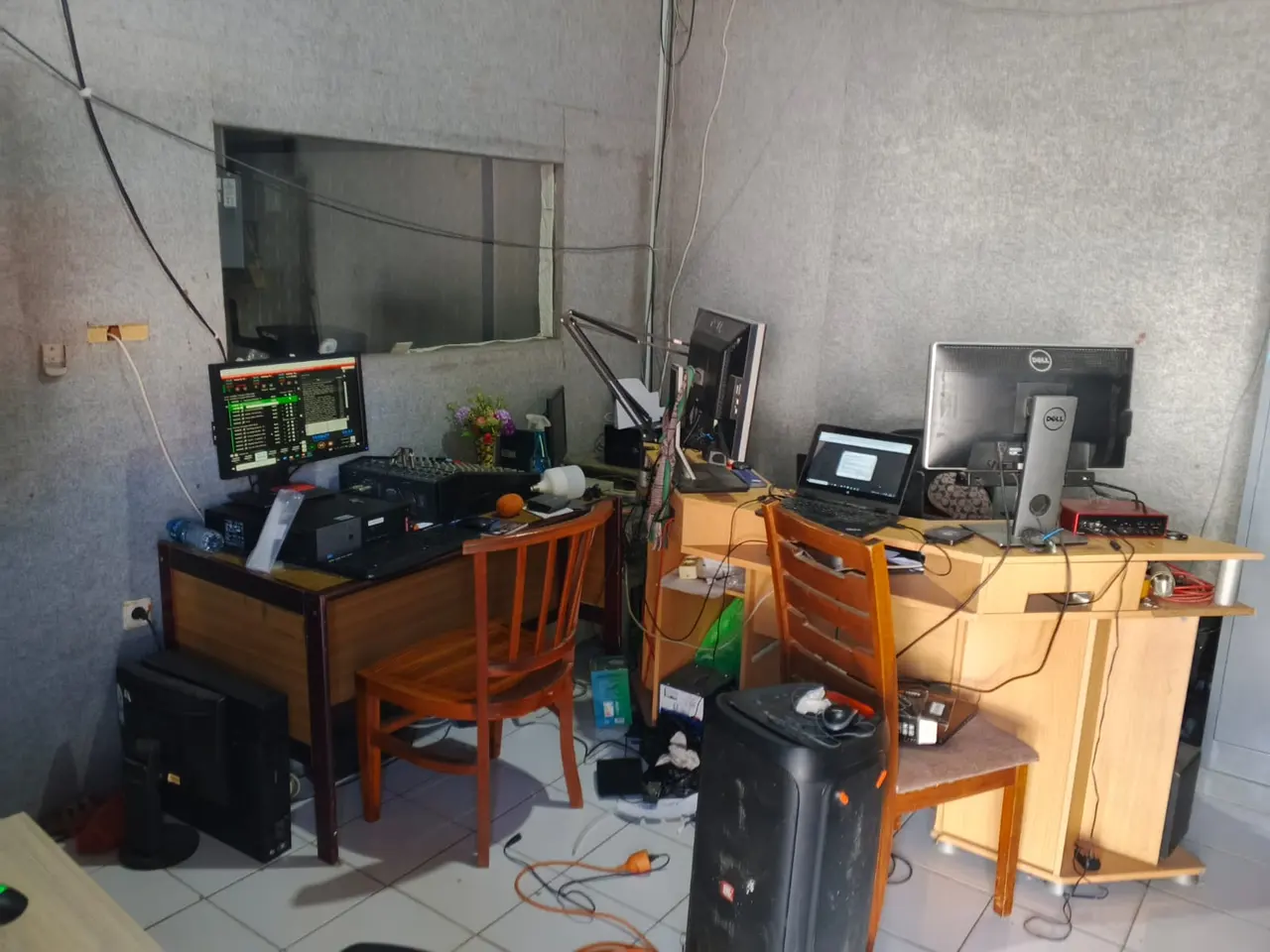
AWR Timor Leste 92.3 FM is a radio station of the Seventh-day Adventist Church Mission in Timor-Leste, on air 24 hours a day on 92.3 FM.
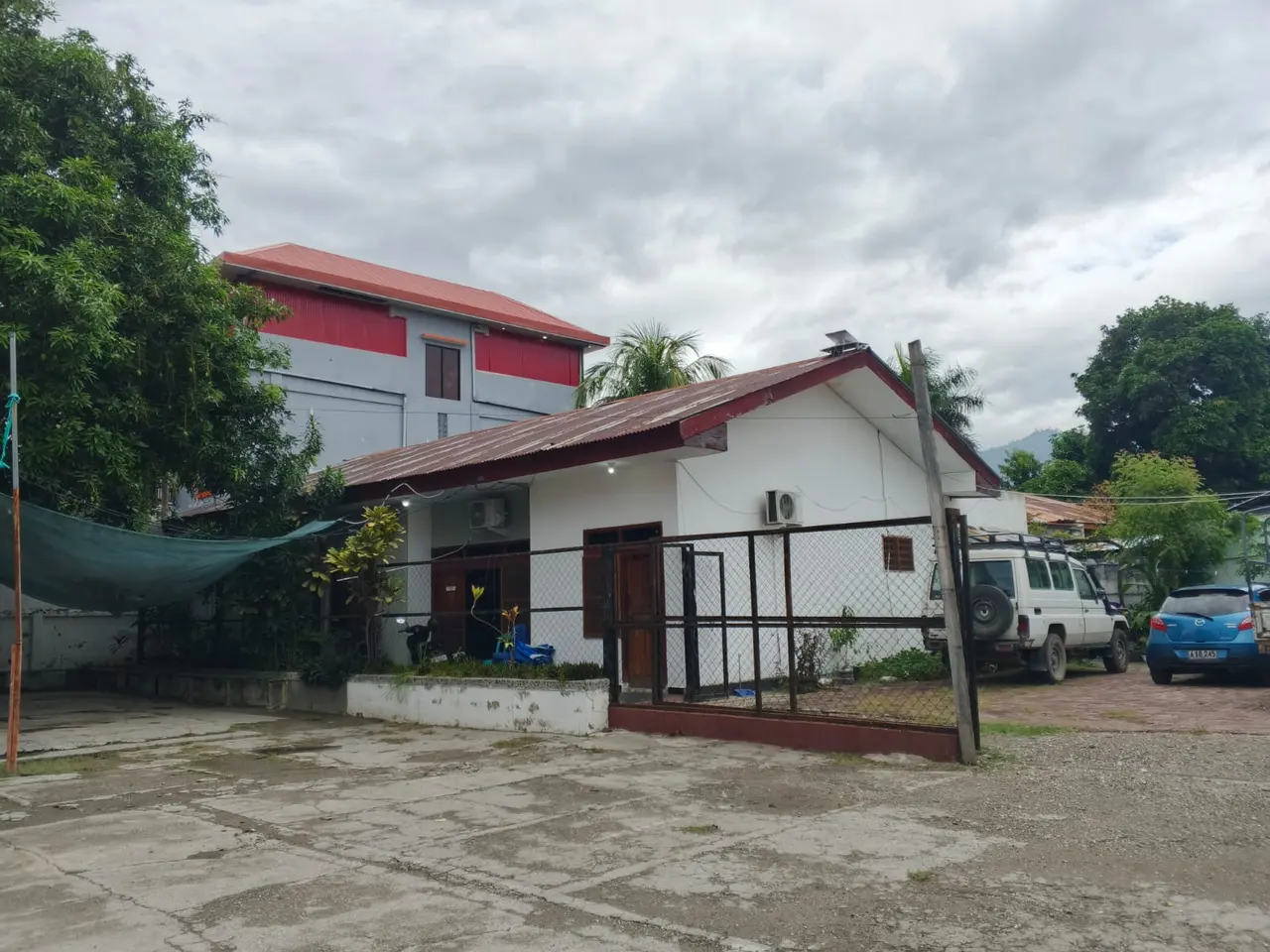
Fomento 1, Comoro, Dili, Timor-Leste
Adventist World Radio
AWR broadcasts the Advent hope in Christ through the most effective media to the people of the world in their own languages. Radio overcomes the barriers of government restrictions, cultural opposition, illiteracy, and geography.
We use shortwave radio, national radio networks, local FM stations, on demand, podcasts, and solar audio players with pre-loaded content.
People can listen privately to the voice of hope in places where evangelism is prohibited by law and sometimes punishable by death.
Non-Internet broadcasts can be heard by three quarters of the world's population. The target audiences are non-Christian listeners in the highly-populated and less-evangelized areas of the world, such as Asia, Africa, the Middle East, and Eastern Europe.
Our production partners come from the same language and cultural groups as their listeners. They create "contextualized" programs that are unique to each country or region and relevant to non-Christian listeners.
Many studios operate Bible correspondence schools, through which they can communicate with listeners in their own languages. AWR receives well over 100,000 letters, phone calls, text and e-mail messages from listeners every year.
How to listen to us
- FM radio: 92.3 FM in Dili and nearby areas
- Online streaming on this website
- Podcasts and episodes on this website
- The AWR Radio app for your phone